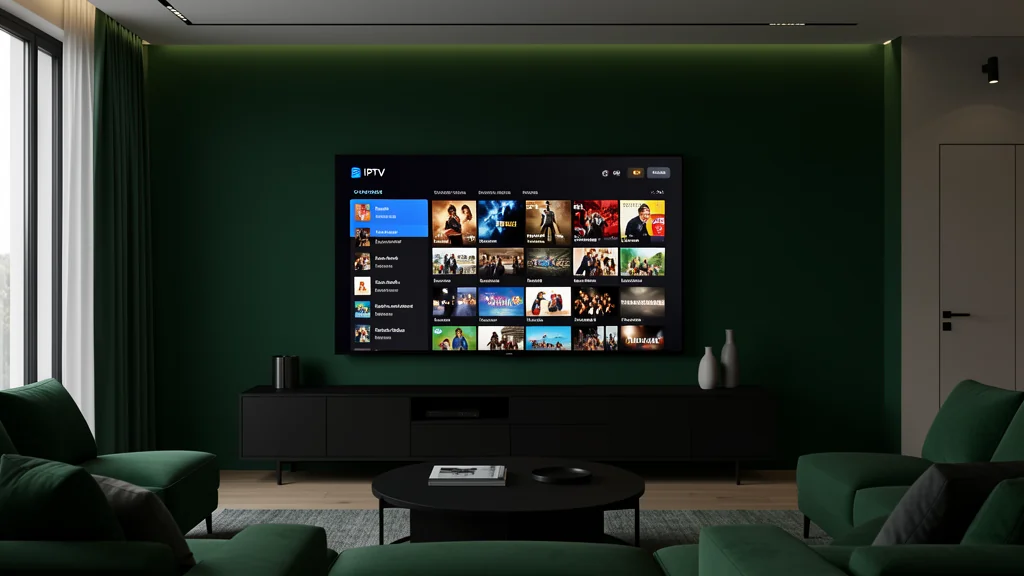
Set Up IPTV on Samsung & LG Smart TVs in 2026: Easy Guide
The most common IPTV setup guide on the internet assumes you own a Firestick or an Android box. If you have just unboxed a Samsung or LG smart TV, that advice falls apart fast. Samsung runs Tizen, LG runs webOS, and neither is Android, so the apps everyone tells you to install do not just appear in your TV's app store. One r/TiviMate user put the frustration plainly, asking how to get the app onto a smart TV at all with a humble “sorry if dumb question.” Here is the thing: you do not need TiviMate, and you do not need to fight your TV's operating system. This guide walks you through setting up IPTV directly on a Samsung or LG TV in 2026, plus the one workaround that makes everything easier if your TV is older.
Why Samsung and LG TVs Are Different
The reason all those YouTube tutorials fail is the operating system. Samsung smart TVs run Tizen OS, and LG TVs run webOS. Both are closed, TV-specific systems with their own stores — the Samsung App Store and the LG Content Store. Neither store carries TiviMate, the player everyone in r/TiviMate swears by, because TiviMate is Android-only. When people in r/samsung ask about an IPTV app for a Tizen TV, the answer almost always ends with someone suggesting a cheap streaming stick instead.
Step 1: Find Which App Your TV's Store Actually Has
Both the Samsung App Store and the LG Content Store do carry a small set of IPTV players. The one you will find most often is IPTV Smarters Pro, available on newer Tizen models and on webOS TVs. Some regions also list Smart IPTV — a one-time purchase usually around €5.49 — on Samsung, and Siptv on LG. If you open your store, search “IPTV”, and see nothing, skip ahead to the workaround in step 5. Do not spend an hour hunting.
Step 2: Install the App and Add Your Subscription
Once IPTV Smarters Pro is installed, it asks how you want to connect. Two options matter: Xtreme Codes and M3U URL.
- Xtreme Codes — enter the server URL, username, and password your provider sent. This is the fastest method and keeps live channels, movies, and series organized in separate tabs.
- M3U URL — paste a playlist link. It loads slower and is less organized, but it works in any player.
Most IPTV subscriptions in 2026, including ones that cost about $15 a month for 50,000+ channels, come with both. Use Xtreme Codes when you can.
Step 3: Load the EPG
The Electronic Program Guide is what makes a 50,000-channel service usable instead of an endless scroll. In IPTV Smarters Pro, open settings and point the EPG at the guide URL from your provider. Xtreme Codes often pulls the EPG automatically; with M3U you usually add it manually. If program names look wrong or empty, the EPG URL is misconfigured — a common complaint in the iptv-org community on GitHub, where volunteers maintain free public playlists and fight a constant battle with EPG mapping.
Step 4: Get Your TV Online and Check Your Speed
Smart TV IPTV needs a solid connection. The minimums have not changed: 25 Mbps for stable HD, 50 Mbps for reliable 1080p60, and 100+ Mbps for 4K with a second device streaming at the same time. If your TV is on WiFi, move the router closer or add a wired adapter. WiFi is the #1 cause of buffering on smart TVs, because the WiFi chip inside a TV is usually weaker than the one in your phone.
Step 5: The Workaround for Older or Locked-Down TVs
Here is the honest part. On older Tizen TVs — a 2016-era Samsung 65-inch is a recurring complaint in Samsung community forums, where owners report IPTV apps stuck on “connecting” or buffering forever — the built-in apps often cannot keep up. Some LG models do not have IPTV Smarters in the Content Store at all, a question raised directly on the LG webOS forum. When the TV's own store fails you, stop fighting the TV.
A $20–$40 streaming stick — the ONN 4K from Walmart gets recommended in r/TiviMate and r/IPTV over and over, with the Fire TV Stick 4K Max at about $60 as the step up — plugs into an HDMI port, runs TiviMate or IPTV Smarters natively, and handles 4K streams that make the TV's built-in apps choke.
Which Route Is Right for You
- Newer Samsung (2021+) or LG (2019+) TV — try IPTV Smarters Pro from the built-in store first.
- Older Tizen or webOS TV — take the stick route for $20–$40.
- You specifically want TiviMate — take the stick route, because TiviMate is Android-only.
- Multiple TVs in the house — pick a subscription with 2–5 connections so every screen runs at once.
Get IPTV on Your Samsung or LG TV — the Easy Way
Our plans work with IPTV Smarters Pro on Tizen and webOS, and with TiviMate on any Android stick. 50,000+ channels, 4K quality, instant activation, and a 30-day money-back guarantee. Plans from $20.
Compare PlansFrequently Asked Questions
Can I install TiviMate on a Samsung or LG TV? No. Tizen and webOS do not run Android apps. Use IPTV Smarters Pro, which is available in both built-in stores, or add an Android streaming stick.
Is the Smart IPTV app worth buying on Samsung? It is a one-time purchase of around €5.49 that plays M3U playlists directly. Good if IPTV Smarters is missing from your store, but you load your playlist through the app's website, which some users find fiddly.
Why is my IPTV buffering on my smart TV? Usually WiFi. Smart TV WiFi chips are weak. Use an ethernet adapter, move closer to the router, use the 5 GHz band, or switch to a streaming stick.
Does IPTV work on all Samsung and LG TVs? Newer models handle it fine through IPTV Smarters Pro. Very old Tizen TVs from before 2018 often cannot run the apps reliably, and a cheap stick is the dependable fix.
Do I need to change my TV settings? Keep the firmware updated, allow app installs if your store prompts for it, and prefer a wired connection for live sports.
Ready to Stream on Your Smart TV?
Pick a 1, 3, or 5-connection plan, get instant activation, and load it into IPTV Smarters Pro or TiviMate in minutes. 30-day money-back guarantee included.
View Plans & Pricing